
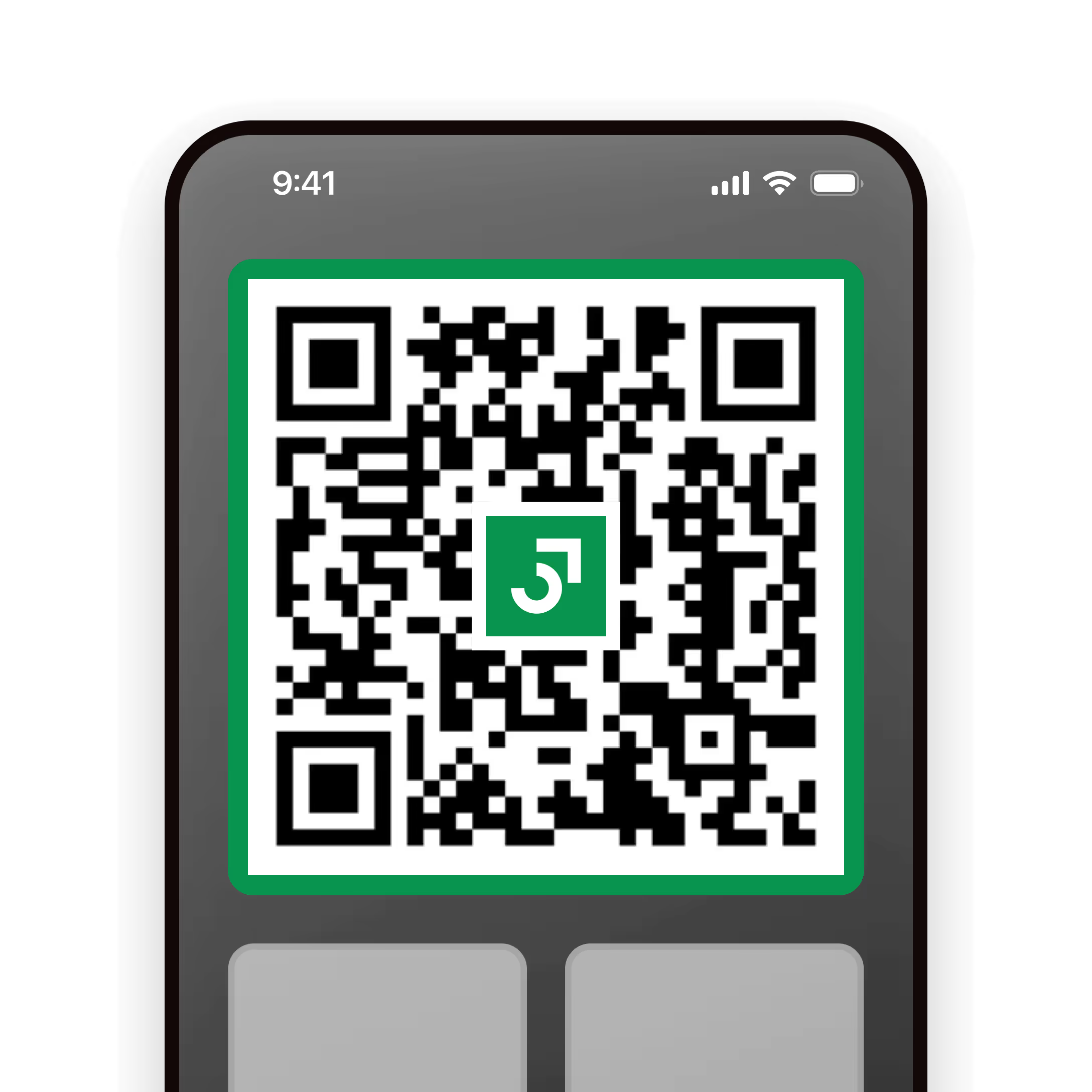
Match your digital cards
All your digital business cards are accessible via your smartphone widgets.
Share your way
Widgets are a fast way to bring up your unique digital business card's QR code even when your device is locked.
Build your network
Recipients don't need the Niocard app to receive your card.
How it works

iPhone users
Here's a short demo film of this process for you to follow.
- Swipe right on your iPhone's home screen to access the widget screen
- Hold down any existing widget and tap edit home screen and the "+" icon at the top
- Locate the Blinq widget, select the size you prefer, tap "add widget" and you're done
Android users
Here's a short demo film of this process for you to follow.
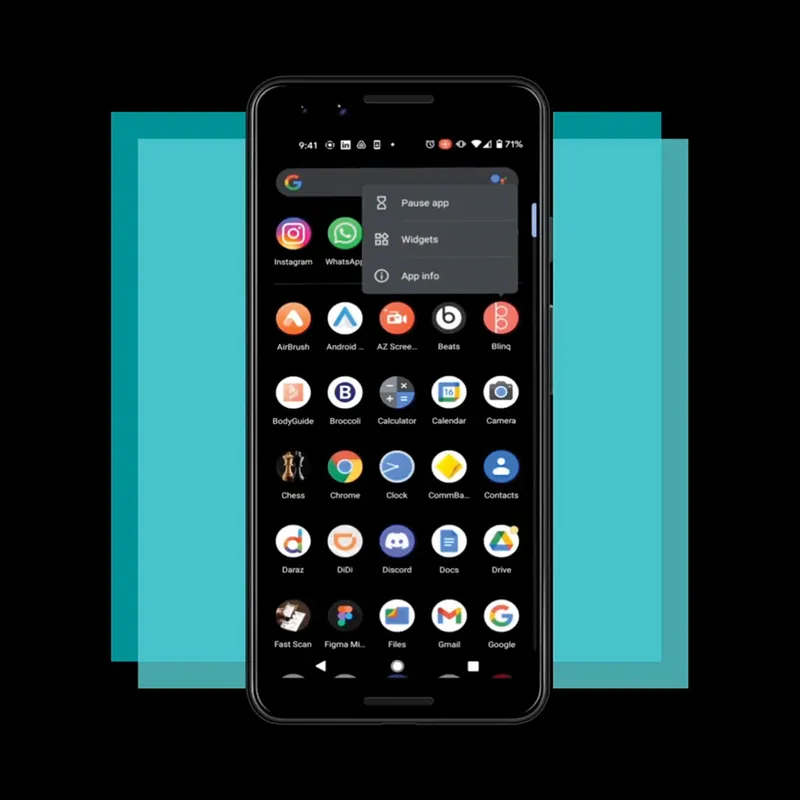
- Tap and hold the Blinq app on the "All Apps" screen
- Tap on "Widgets"
- Drag and position the Blinq widget in your home screen and adjust its size

Share any card
You can choose to share any of your Blinq digital business cards via your smartphone widget. When you’re ready to share, your widget will be ready to go!
Ready when you are
Niocard is trusted by thousands of users to share their professional identity every day. Now it's your turn.